Subscription Rule Configuration
Subscription rules tell the system what kind of content you want, where to find it, and where to save it — so it can work automatically based on your preferences.
Access Subscription Rule Configuration
Go to:
Task Management >> Subscription Rules
Configuration Interface
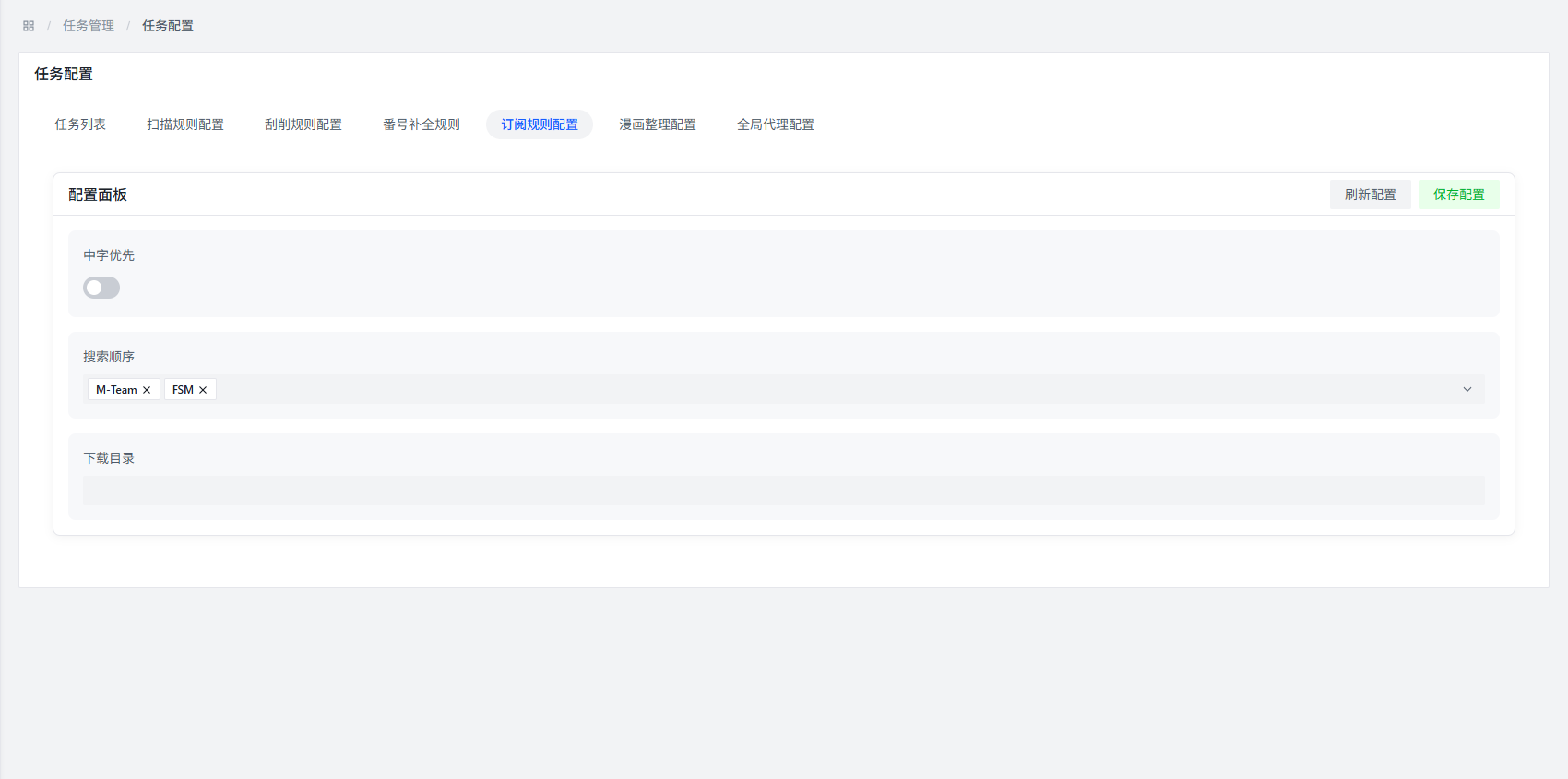
Configuration Item Description
Chinese Priority
What it does: When enabled, the system will prioritize finding versions with Chinese subtitles or Chinese dubbing.
When to use: If you prefer watching in Chinese, turn this on for a better chance of getting Chinese versions.
Search Order
What it does: Set the priority order of search sources. The system will check each source in the order you set.
Suggestion: Put the best-quality, fastest-updating sources first for quicker results.
Download Directory
What it does: Specify where the downloader should save files.
Important reminder:
:::warning Note
- This path isn't related to AMMDS itself — set it based on your downloader's configuration
- Make sure the folder exists and has write permissions
- Use absolute paths (e.g.,
D:\Downloads\Movies), not relative paths, to avoid confusion :::
Configuration Example
Here's a typical subscription rule config:
- Chinese Priority: Enabled
- Search Order: Search Source A → Search Source B → Search Source C
- Download Directory:
D:\Downloads\Movies
FAQ
Q: Chinese priority is on, but I still got a version without Chinese subs — why?
A: Probably because that resource doesn't have a Chinese version yet. The system will grab whatever's available first to make sure you get the content in time.
Q: What happens if I set the wrong download directory?
A: It could cause:
- The downloader can't save files properly
- The system can't find the downloaded files
- Download failures due to insufficient disk space
So make sure the download directory path is correct.