Jellyfin
Jellyfin is an open-source multimedia management tool for organizing, managing, and sharing your digital media files. Through this plugin, AMMDS can deeply integrate with Jellyfin to sync metadata and auto-complete actor avatars.
Plugin Configuration
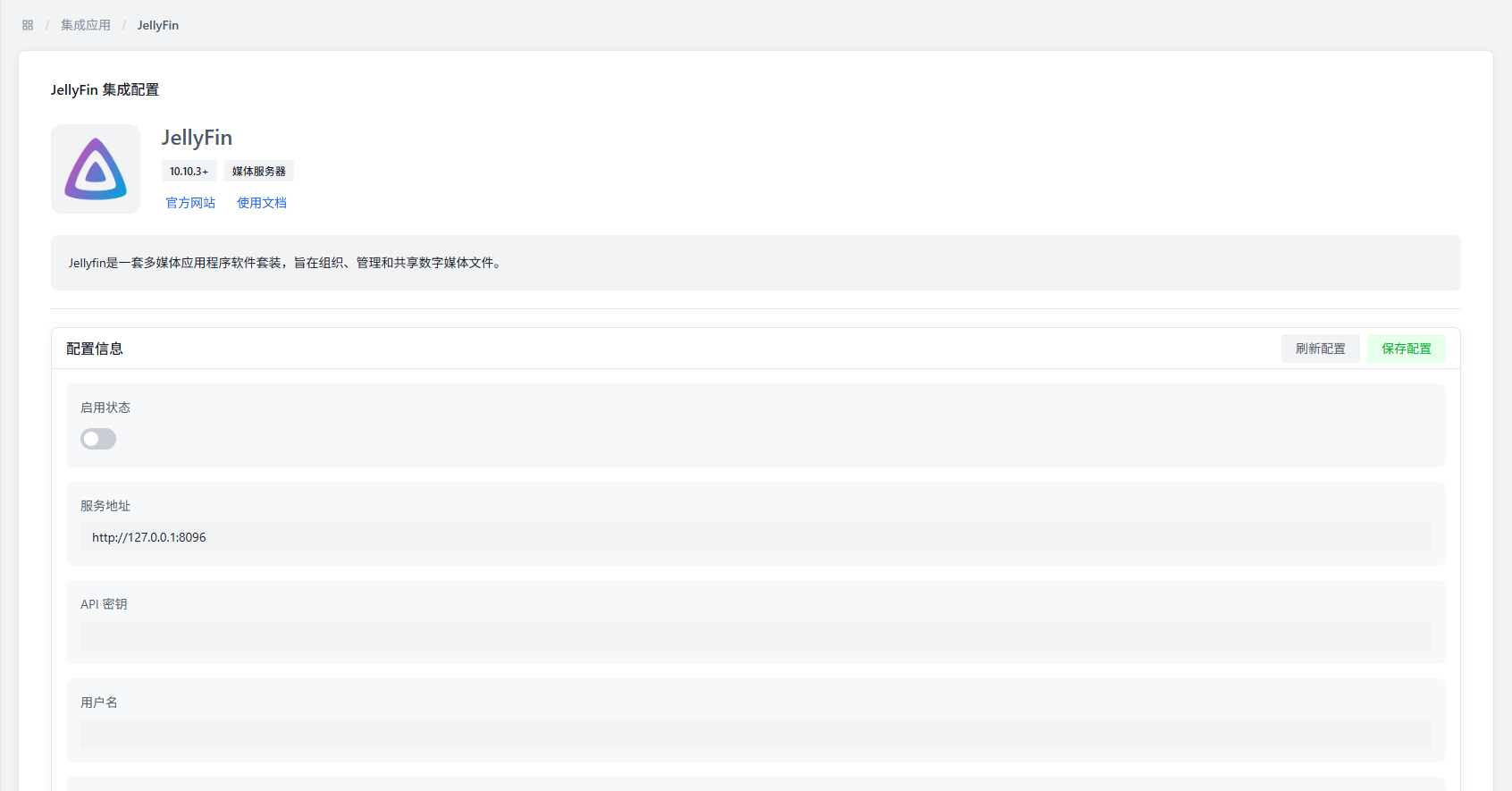
Basic Configuration
| Parameter | Description | Default Value |
|---|---|---|
| Enable Status | Controls whether to enable the Jellyfin plugin | Disabled |
| Service Address | Jellyfin server access address | http://127.0.0.1:8096 |
| API Key | Jellyfin server authentication token | - |
| Username | (Optional) Jellyfin login username | - |
| Password | (Optional) Jellyfin login password | - |
| Bind User | Select the Jellyfin user account to bind | - |
| Auto Completion | Controls whether to auto-complete missing actor avatars in the media library | Disabled |
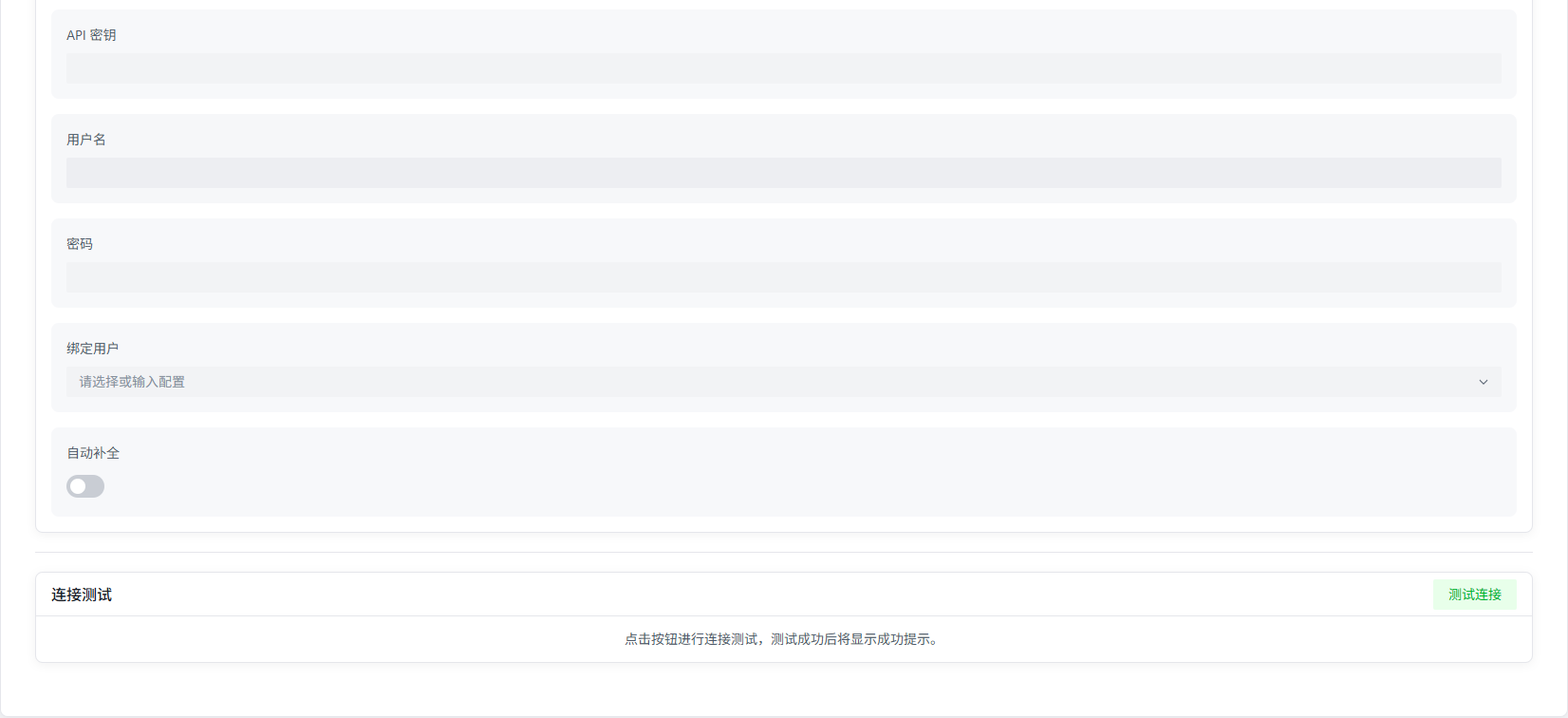
Configuration Notes
- Service Address: Use the server's actual network address. Don't use
localhostor127.0.0.1, or it may not connect properly in Docker deployments. - API Key: Generate this in Jellyfin's admin panel at "System" → "Advanced" → "API Keys."
- Bind User: You must enter the correct service address and API key and save first, then you can select a user from the dropdown.
- Auto Completion: When enabled, the system will automatically fill in missing actor avatars in the media library — but only if AMMDS already has the corresponding actor images.
Connection Verification
- Network Connectivity: Make sure the AMMDS server can reach the Jellyfin service address.
- Authentication: The API key needs sufficient permissions to perform the required operations.
- Service Status: Make sure Jellyfin is running and can respond to API requests.
Features
- Metadata Sync: Bidirectional metadata sync with Jellyfin media libraries.
- User Binding: Bind to a specific Jellyfin user for personalized setup.
- Auto Avatar Completion: Automatically identifies and fills in missing actor avatars.
- Status Monitoring: Monitors Jellyfin server status in real-time.
Notes
:::warning Service Address
Don't use localhost or 127.0.0.1 as the service address, especially in Docker environments — it may cause connection issues.
:::
:::info Auto Completion Prerequisite Before enabling auto completion, make sure AMMDS already has the corresponding actor images stored, or the feature may not work. :::
:::tip API Key Permissions It's recommended to create a dedicated API key for AMMDS with only the necessary permissions — more secure that way. :::