Emby
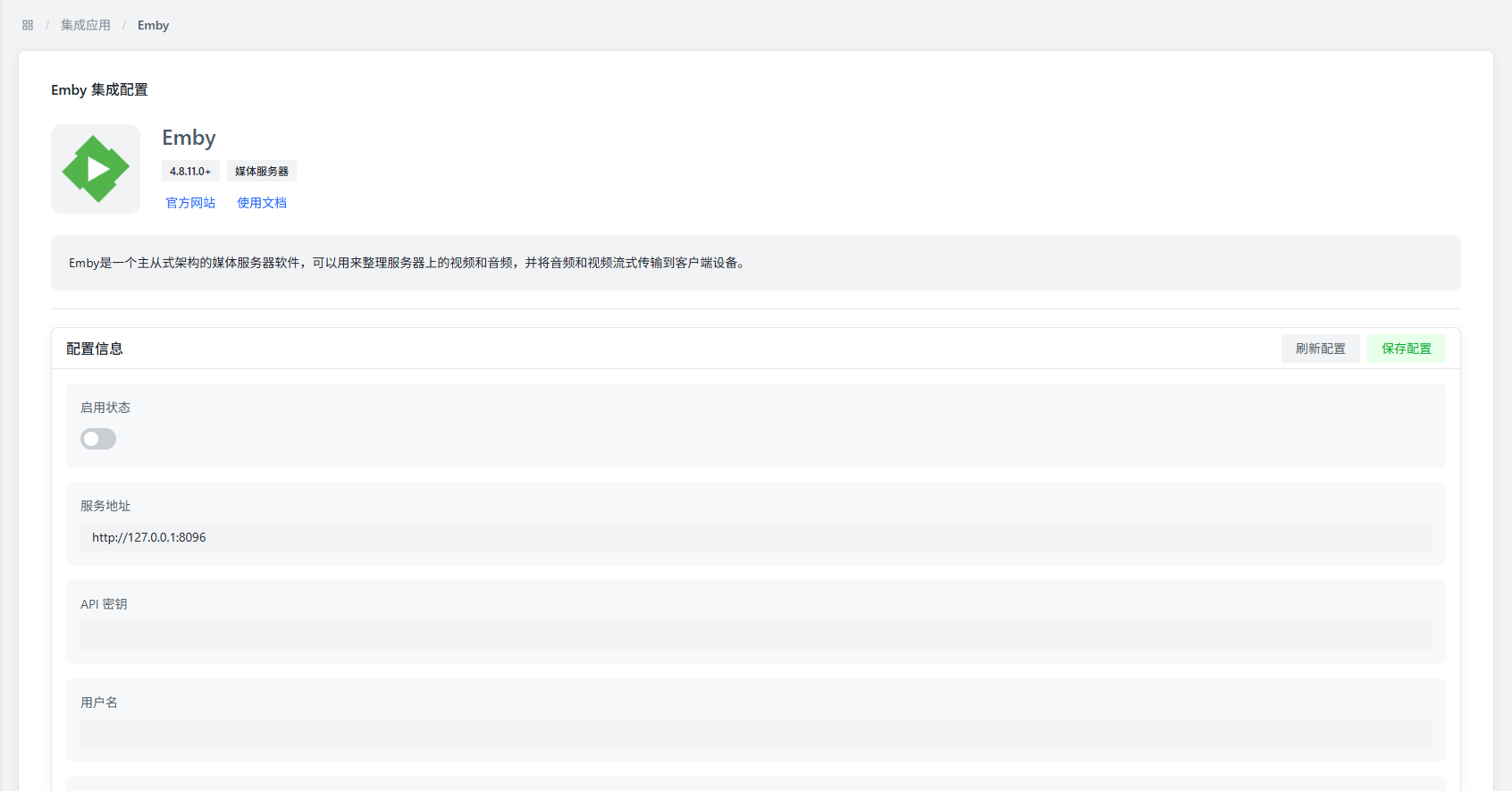
Emby is a powerful multimedia management application suite designed for organizing, managing, and sharing digital media files. Through this plugin, AMMDS can integrate with Emby media server to implement metadata synchronization and media library management.
Plugin Configuration

Basic Configuration
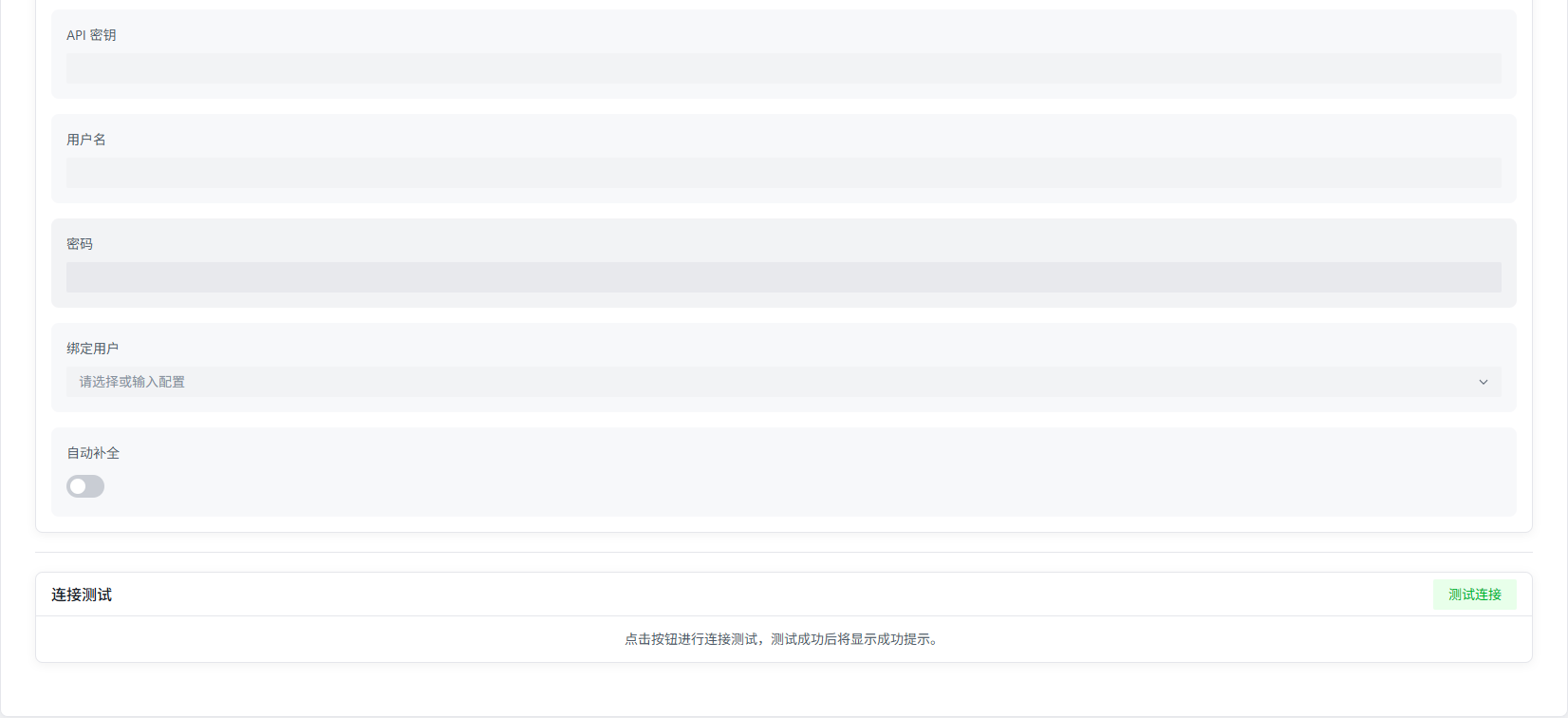
| Parameter | Description | Default Value |
|---|---|---|
| Enable Status | Controls whether to enable the Emby plugin | Disabled |
| Service Address | Emby server network endpoint | http://127.0.0.1:8096 |
| API Key | Emby server authentication token | - |
| Username | (Optional) Emby server login username | - |
| Password | (Optional) Emby server login password | - |
| Bind User | Select the Emby user account to bind | - |

Configuration Notes
- Service Address: Please use the server's actual network address. Avoid using
localhostor127.0.0.1, as this may cause connection failures in containerized deployments - API Key: Can be generated in the Emby management interface under "System" → "Advanced" → "API Keys"
- Bind User: You must first enter the correct service address and API key and save before you can select a user from the dropdown list
Connection Verification
- Network Connectivity: Ensure the AMMDS server can access the Emby service address
- Authentication Information: API key must have sufficient permissions to perform required operations
- Service Status: Ensure the Emby server is running and can properly respond to API requests
Features
- Metadata Synchronization: Supports bidirectional metadata synchronization with Emby media libraries
- User Binding: Can bind to specific Emby users for personalized configuration
- Status Monitoring: Real-time monitoring of Emby server running status
Notes
Service Address Configuration
Do not use localhost or 127.0.0.1 as the service address, especially in containerized deployment environments, as this may cause connection failures.
API Key Permissions
It is recommended to create a dedicated API key for AMMDS with appropriate permission scope to ensure system security.