Version: 最新

NexusPHP

NexusPHP was initiated and developed by the Nexus team of Zhejiang University. It is an open-source PT (Private Tracker, a type of BT download) software focused on providing a complete, organized, and user-reputation-and-knowledge-oriented resource sharing community solution.

Private Site Note

This site requires registration by invitation and has certain thresholds.

Plugin Configuration

Plugin Configuration

Basic Configuration

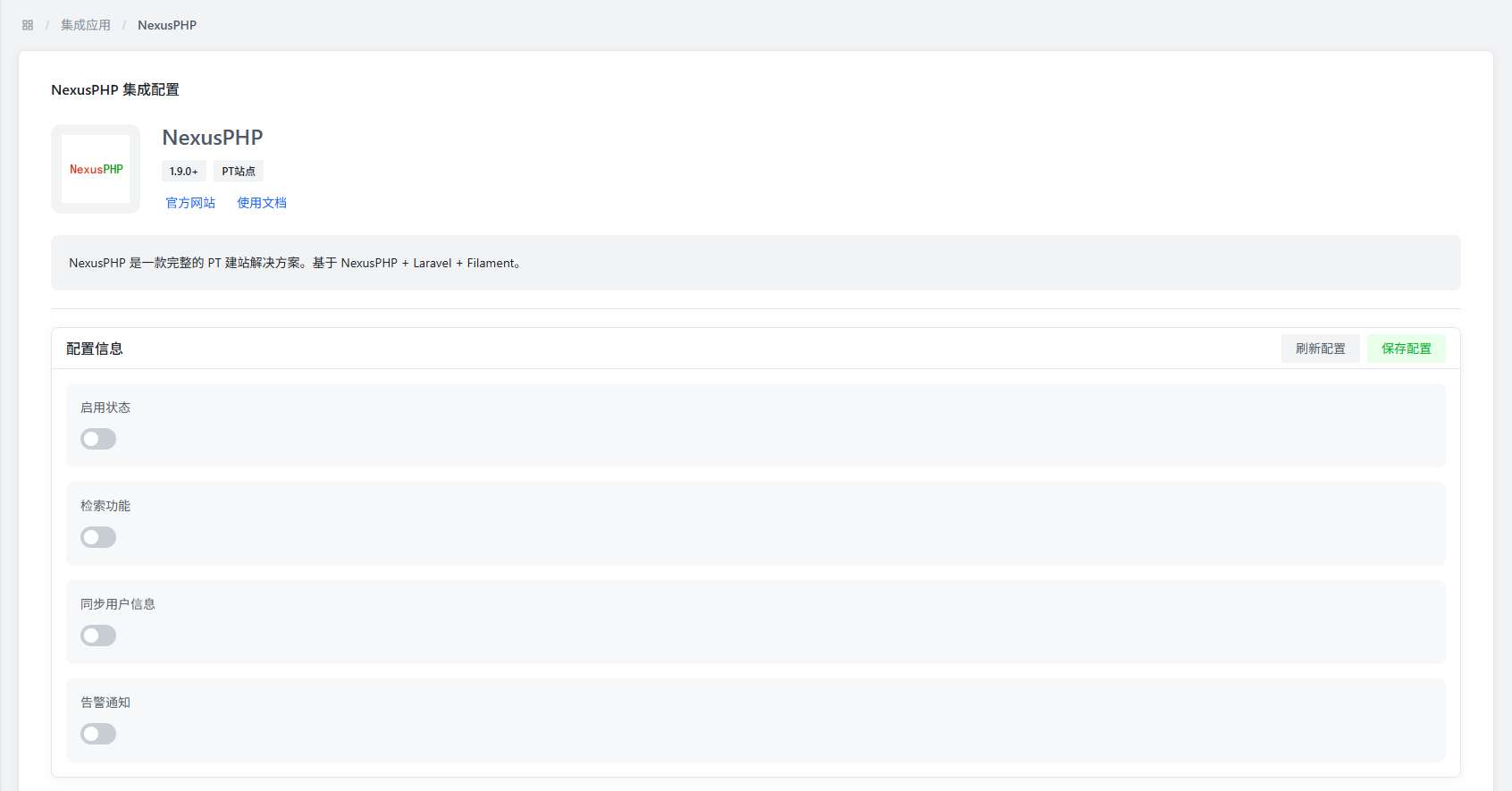
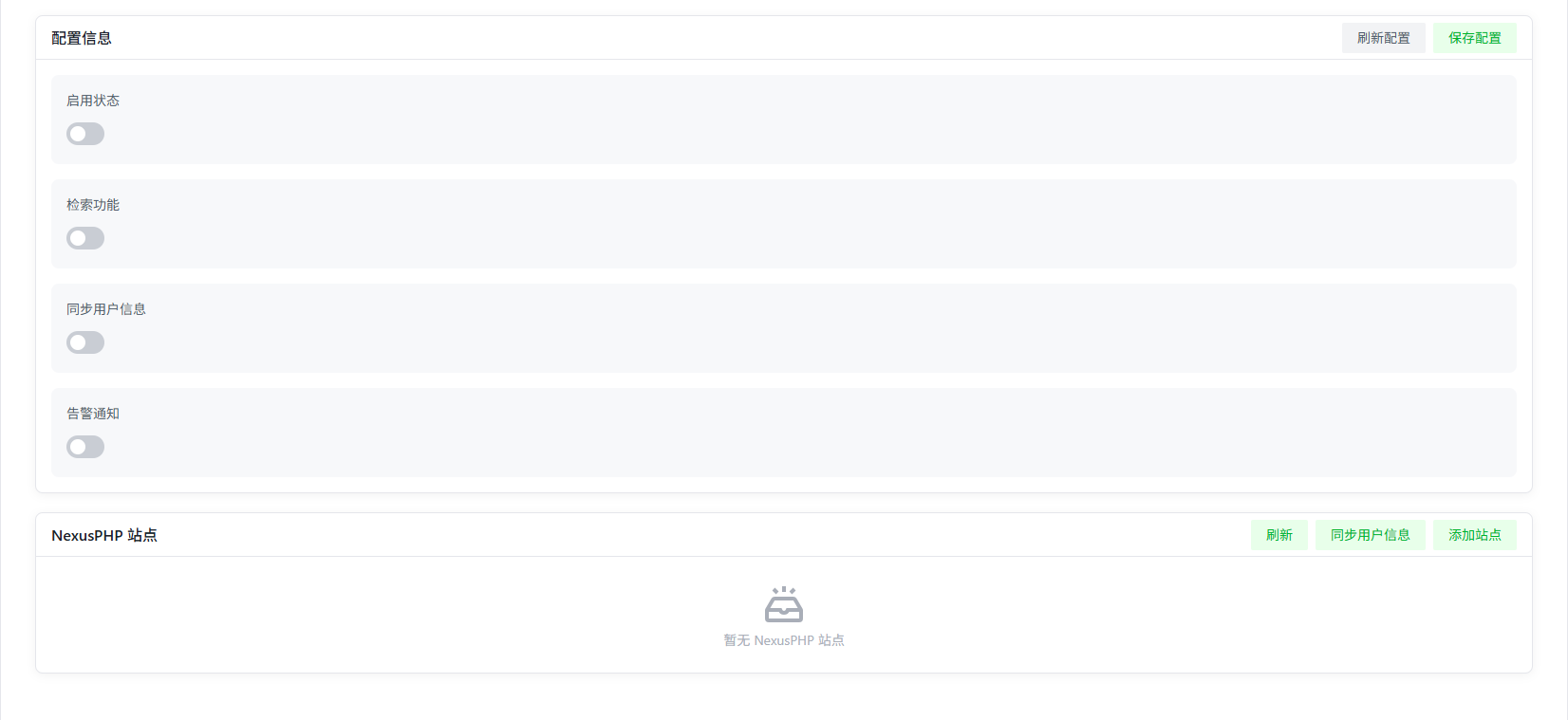
  • Enable Status:Controls whether to enable the NexusPHP plugin.
  • Search Function:Whether to enable the search function of NexusPHP, the default value is disabled.
  • Sync User Information:Whether to enable the user information synchronization function of NexusPHP, the default value is disabled. User information is used for site ranking display.
  • Alert Notification:Whether to enable the alert notification function of NexusPHP, the default value is disabled.

Alert Notification

NexusPHP Site Module

Click the "Add Site" button in the upper right corner to add a site.

Version Requirement

NexusPHP site version must be 1.9.0 or higher.

How to check version:At the bottom of the NexusPHP site page, in the Powered by NexusPHP section, click on NexusPHP to view the site version.

Add Site

Site Configuration Items

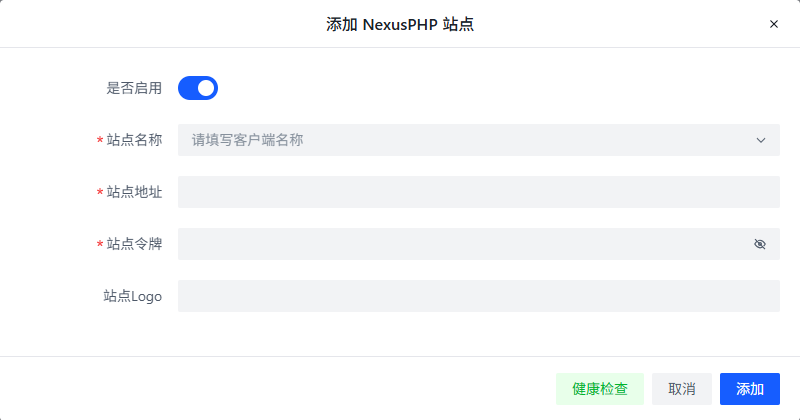
  • Enable:Whether to enable this site, the default value is disabled.
  • Site Name:Site name, used for display in the plugin. In addition to manual input, you can select common site names from the drop-down menu, and the system will automatically fill in the site address.
  • Site Address:Site address, used to access the site, the default value is empty.

Site Token

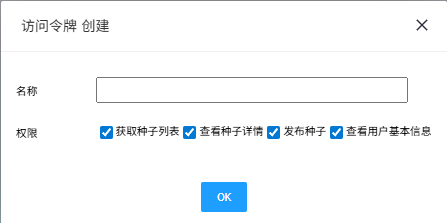
  • Site Token:Created by clicking the create button in "Control Panel >> Settings Home >> Access Token".
Permission Requirements

Default Permissions:Get torrent list, view torrent details, publish torrents, view basic user information.

Minimum Permission Requirements:Get torrent list, view torrent details, view basic user information.

Insufficient Permissions:When permissions are insufficient, the system will prompt Insufficient permissions and cannot add this site normally.

  • Site Logo:Site Logo, used for display in the plugin, the default value is empty.